Creator SystemsSeptember 18, 202510 min
The Agentic Creator OS: How to Orchestrate AI Like a Studio
Stop juggling AI tools. Build a system where agents coordinate like a production team—content, dev, design, marketing working together on your projects.

🎯
Reading Goal
Build a studio-grade workflow that turns AI tools into a cohesive creative operating system.
The Agentic Creator OS: How to Orchestrate AI Like a Studio
The system behind 12,000+ songs, this website, and my enterprise consulting projects.
TL;DR
Most creators jump between AI tools without a system—random prompts, lost context, fragmented output. The Agentic Creator OS organizes AI work into five departments (Content, Dev, Design, Marketing, Business) with defined workflows, shared context, and automated handoffs. Think recording studio, not chat interface: different specialists, one production. Build it in 30 days using Claude Code, a CLAUDE.md context file, and the skill patterns in this guide. Free on GitHub.
If your AI practice feels like juggling tabs and hoping for inspiration, you need an operating system—not another tool.
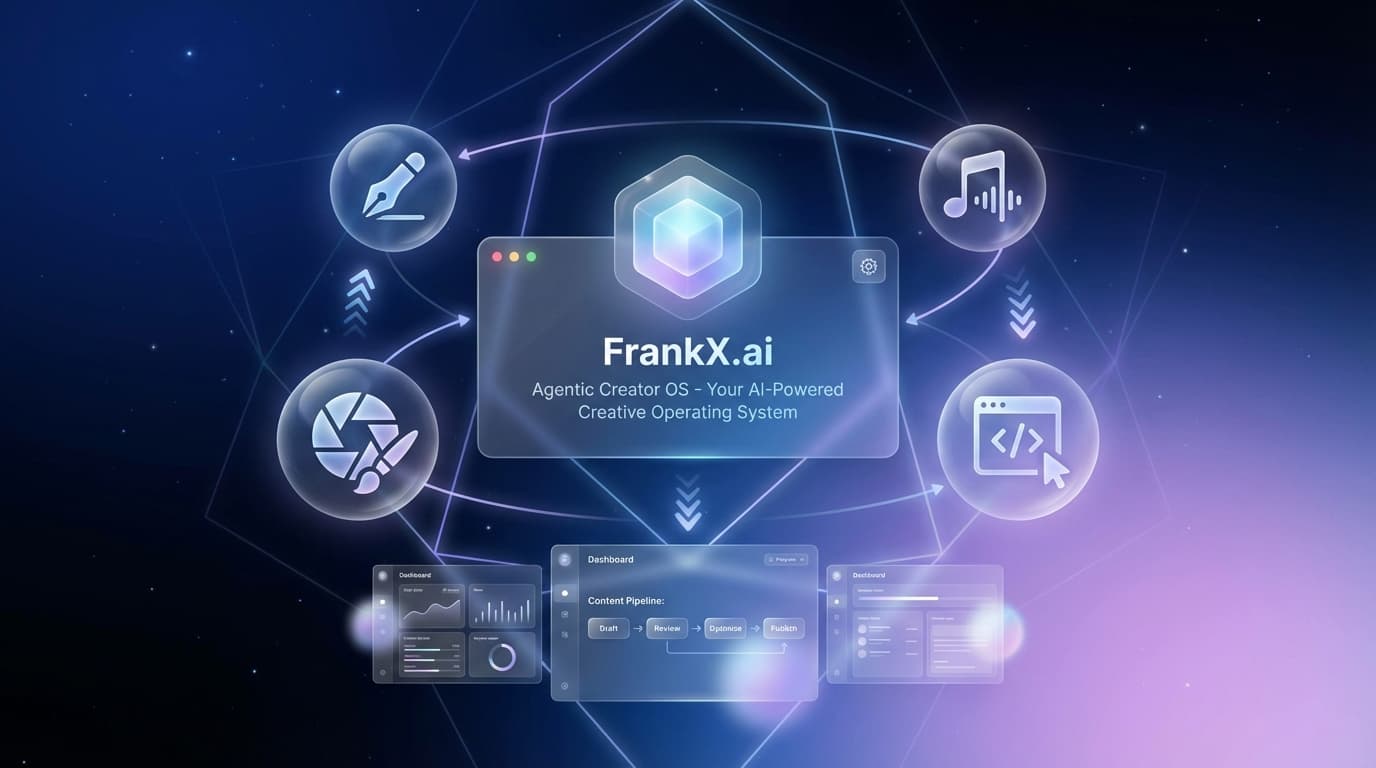
This is the Agentic Creator OS. Not a single app. A choreography of agents, rituals, prompts, and validation loops that keeps human vision in the director's chair while AI handles execution.
The same system runs my music production, this website, content publishing, and enterprise consulting. Here's how to build yours.
Why Every Creator and Team Needs an Agentic OS
When creators skip the operating system, work dissolves into:
- Tool roulette – reacting to every new AI launch with no continuity.
- Copy-and-paste prompts – losing your distinct voice and brand gravity.
- Fragmented proof – nothing that ladders into products, community, or revenue.
With an Agentic Creator OS, your work becomes:
- Systemic – each release feeds the next (Creation Chronicles → Creative AI Toolkit → Golden Age of Intelligence).
- Traceable – you can point to the prompts, workflows, and metrics that delivered results.
- Expandable – bringing in new collaborators or agents is plug-and-play.
The Five Pillars of the Agentic Creator OS
1. Purpose Map
Anchor the OS in the mission outlined in Frankx Vision mission values.md:
- Excellence – minimal words, maximum impact.
- Freedom – systems that buy back time.
- Creativity – narratives, music, and architecture that inspire.
- Integrity & Evolution – iterate with data while staying mission-aligned.
- Community – build with and for people.
Every project card in the OS should reference which value it advances.
2. Agent Roles & Rituals
Agent.md defines the six key archetypes. Translate them into your daily OS:
- Visionary frames the story arc and flagship format.
- Strategist builds the funnel and validates demand.
- Creator crafts drafts, visuals, and sonic elements.
- Engineer automates, deploys, and integrates APIs.
- Guardian performs QA across accessibility, clarity, and data.
- Connector activates community, partners, and press.
Use the daily loop in docs/DAILY_INTELLIGENCE_OPERATIONS.md to keep each agent accountable. A simple Notion or Linear board with columns for each agent works well.
3. Workflow Layering
An Agentic OS runs multiple workflows at once:
- Flagship Publishing – Creation Chronicles, Golden Age of Intelligence, AI Architect Newsletter.
- Product Tracks – Creative AI Toolkit, Agentic Creator OS Blueprint, Vibe OS.
- Community & Events – Creative AI Studio cohorts, Discord drops, live briefings.
- Experimentation – new prompts, music, or automations being validated.
Each workflow should have:
- Input Source – interviews, research, prompts, user feedback.
- Agent Hand-offs – who touches the asset next.
- Proof Artifacts – docs, videos, scorecards.
- Distribution Plan – channels, CTAs, measurement.
4. Proof & Telemetry
Systems are only useful if they tell you what worked.
- Track progress in
docs/user-journey-analysis.mdandAGENT_TEAM_POSITIONING.md. - Log metrics in the dashboard (coming from Claude’s contribution) or a quick spreadsheet: publish date, asset type, CTA clicks, conversions.
- Use
docs/CREATIVE_INTELLIGENCE_GUIDE.mdto document new insights so the whole studio upgrades together.
5. Vibe Layer
Creative OS = creative rituals. Borrow from Vibe OS:
- Compose Suno tracks for major launches.
- Generate cover art and motion snippets for socials.
- Pair each workflow with an audio/visual cue that keeps the team energized.
Building Your Agentic Creator OS in 30, 60, 90 Days
First 30 Days – Stabilize
- Audit current projects and map them to mission values.
- Stand up a simple Kanban with swimlanes for each agent role.
- Implement the Creative AI Toolkit quick wins (top 20 prompts, creative briefing templates).
- Publish one Creation Chronicles essay with a clear CTA to the toolkit.
Days 31-60 – Expand
- Layer in automation: Claude Code workspaces, Notes in VS Code or Cursor, newsletter templates.
- Launch a recurring Golden Age of Intelligence insight (even a two-paragraph beta).
- Introduce Vibe OS elements—music beds, cover art, clip templates.
- Capture metrics and add them to your telemetry sheet.
Days 61-90 – Optimize
- Graduate from the toolkit into the Agentic Creator OS Blueprint: multi-agent sprint playbooks, governance, retrospectives.
- Run a Creative AI Studio-style mini cohort to onboard collaborators or clients.
- Reinvest outputs into products (bundle prompts, sell templates, spin up micro-sites).
Practical Architecture
Tools I use (and recommend wiring together):
- Planning: Notion + Google Drive + shared OS docs.
- Writing: VS Code (Cursor) +
content/blog/structure. - Automation: Claude Code, OpenRouter GPT-4o, Zapier/Make for distribution.
- Design & Music: Midjourney/DALL·E + Suno + Descript.
- Deployment: GitHub → Vercel → analytics.
File Structure Tips
/agents
  strategist.md
  creator.md
/docs
  CREATIVE_INTELLIGENCE_GUIDE.md
  PROMPT_PLAYBOOK.md
/products
  creative-ai-toolkit.md
  agent-architecture-blueprint.md
content/blog
  agentic-creator-os.mdx  (this article)
Keep the OS visible in version control so every agent has the same map.
CTA: Grab the Creative AI Toolkit + Agentic Creator OS Blueprint
Ready to install the OS? Start with:
- Creative AI Toolkit – prompts, workflows, and quick wins.
- Agentic Creator OS Blueprint – the full system we use internally to ship Golden Age of Intelligence and more.
Bundle them and you’ll have your Agentic Creator OS running in weeks, not quarters.
Next Steps & Companion Assets
- Golden Age of Intelligence Issue #1 will expand this playbook with dashboards and executive scorecards.
- AI Architect Newsletter this week features a teardown of three agentic workflows.
- Vibe OS Drop: Download the “Agentic Sunrise” Suno track for launch-day coding sessions.
Document your learnings as you go. The OS evolves with every release.
FAQ
What's the difference between Agentic Creator OS and just using Claude Code?
Claude Code is the engine. Agentic Creator OS is the configuration—context files, skill definitions, workflow patterns, department structures. It's the difference between having a DAW and having a configured production studio with templates and presets.
Do I need programming experience?
Basic command line (cd, npm, git) is enough. The system uses markdown skill files you can copy and customize. No coding required for standard workflows.
Can I use this for a team?
The current design is for solo creators. Team features (shared contexts, role assignments) are on the roadmap. Each team member can run their own instance that shares workflow definitions.
How long until I see results?
Most users report time savings in the first week after setup. The compound benefits (context building, workflow refinement) accumulate over 30-90 days.
Is this free?
The core system is MIT-licensed on GitHub. Premium options include 1:1 setup calls and custom workflow development.
Related:
- Getting Started Guide - 30-minute installation walkthrough
- 5 Agentic Workflows - Copy these patterns today
- Build Your Own Jarvis - The architecture explained
Get Started
Build your first AI system
Step-by-step guide to setting up ACOS, creating your first agent, and shipping real products with AI.
Start buildingTemplates & Blueprints
Production-ready architecture
Download AI architecture templates, multi-agent blueprints, and prompt engineering patterns.
Browse templatesInner Circle
Join the builder community
Connect with creators and architects shipping AI products. Weekly office hours, shared resources, direct access.
Join the circleRelated Research

Read on FrankX.AI — AI Architecture, Music & Creator Intelligence
Stay in the intelligence loop
Weekly field notes on AI systems, production patterns, and builder strategy.
Continue Reading

Product Vision12 min read
Trinity AI — The Conscious Operating System for Human Potential
Trinity AI is a 5-layer conscious operating system that remembers you, reads your body, and compounds intelligence daily. Built on Claude Agent SDK, Vercel, and sovereign data principles.
Read article
Intelligence Dispatches12 min read
NVIDIA GTC 2026: An AI Architect's Breakdown of Vera Rubin, Groq LPUs, and the Agentic Infrastructure Shift
Seven chips, five racks, one $1 trillion bet. A technical breakdown of NVIDIA GTC 2026 — Vera Rubin, Groq 3 LPUs, Dynamo, NemoClaw — and what enterprise AI architects should do next.
Read article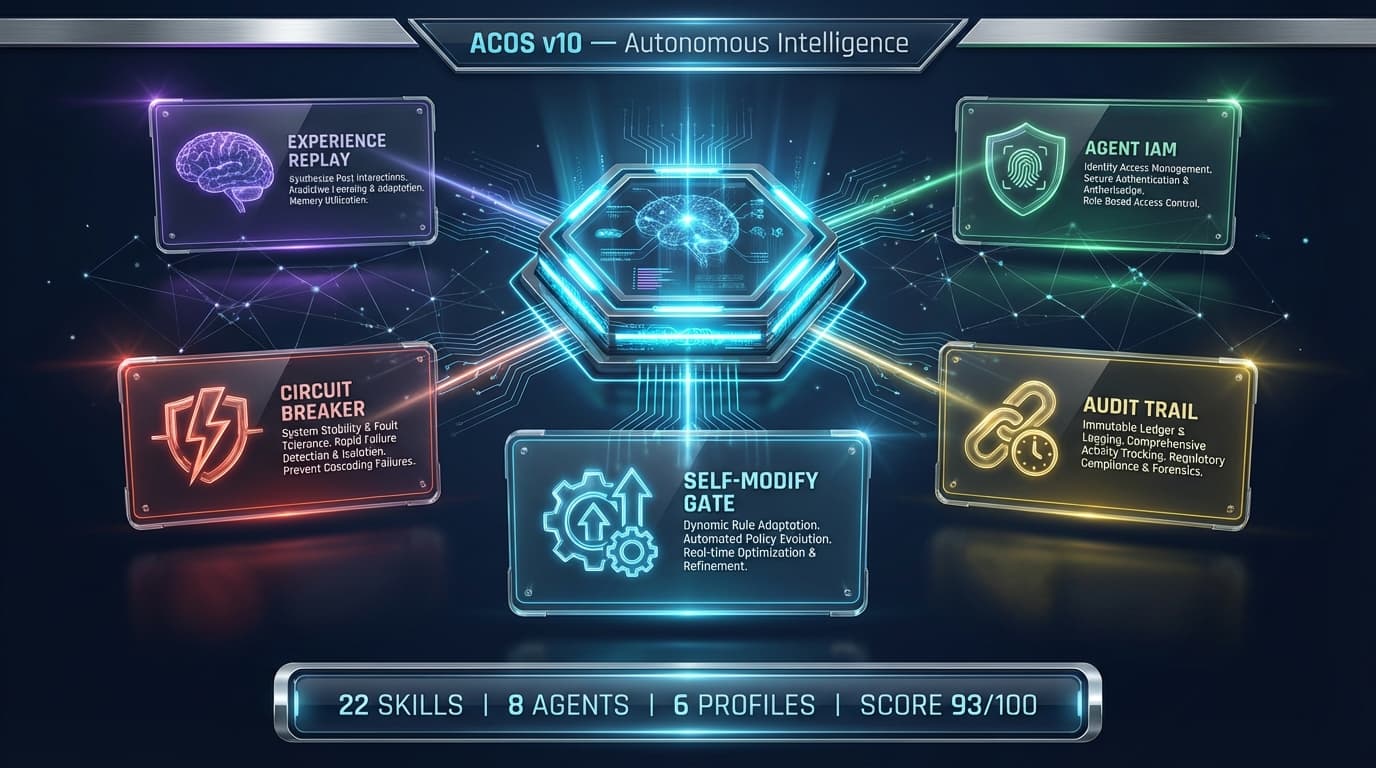
Product Updates7 min
ACOS v10: Autonomous Intelligence — The System That Improves Itself
ACOS v10 ships 5 new safety and intelligence systems. Intelligence score jumps from 72 to 93. Here's what changed and why it matters for AI-native creators.
Read article