TutorialsJanuary 27, 202612 min
Building Custom Skills for ACOS: The Complete Developer Guide
Create your own ACOS skills with auto-activation, progressive disclosure, and real examples. From skill anatomy to publishing—the full tutorial.

🎯
Reading Goal
Build and deploy your first custom ACOS skill with auto-activation.
Building Custom Skills for ACOS: The Complete Developer Guide
Extend ACOS with your own domain expertise.
TL;DR
ACOS skills are Markdown files with YAML frontmatter that teach Claude specialized knowledge. They follow the 500-line rule for progressive disclosure and auto-activate via skill-rules.json. This guide walks through creating a skill from scratch: anatomy, writing patterns, auto-activation rules, testing, and publishing. By the end, you'll have a working skill that loads automatically when needed.
What Are ACOS Skills?
Skills are domain knowledge modules that load into Claude's context when relevant. Unlike prompts (one-time instructions), skills persist and auto-activate based on context.
Example: The suno-ai-mastery Skill
When you say "help me create a synthwave track," ACOS:
- Detects keywords: "create", "track"
- Checks
skill-rules.jsonfor matches - Finds rule:
suno-ai-masterytriggers on music keywords - Loads the skill into context
- Claude now has Suno-specific knowledge
You never typed /skill suno-ai-mastery. It just happened.
Skills vs. Agents vs. Commands
| Component | What It Is | When It Loads |
|---|---|---|
| Skill | Domain knowledge | Auto-activates on context |
| Agent | Persona/behavior | Invoked for specific tasks |
| Command | Entry point | User types /command |
Skills teach Claude what to know. Agents tell Claude how to behave. Commands are how users invoke things.
The Skill File Anatomy
Every skill has two parts: YAML frontmatter and Markdown content.
---
# YAML FRONTMATTER
name: my-skill-name
description: "What this skill does (1 sentence)"
version: "1.0.0"
author: "Your Name"
triggers:
  - keyword1
  - keyword2
  - keyword3
category: technical # or creative, business, personal, system
related_skills:
  - other-skill-1
  - other-skill-2
---

# MARKDOWN CONTENT

## Purpose

What this skill teaches Claude.

## When to Use

Specific scenarios where this skill applies.

## Core Patterns

The actual knowledge, with code examples.

## Anti-Patterns

What NOT to do.

## Examples

Real, working examples.
The 500-Line Rule
No skill file should exceed 500 lines. This enables progressive disclosure:
Level 1: Frontmatter (~50 lines)
  → Claude scans to decide relevance

Level 2: Main content (~450 lines)
  → Core patterns and examples

Level 3: Resources folder (unlimited)
  → Deep reference material, loaded on demand
Directory Structure:
~/.claude/skills/your-skill/
├── SKILL.md              # Core instructions (Level 1)
├── CLAUDE.md             # Auto-loaded context (Level 2)
└── resources/            # Deep references (Level 3)
    ├── examples.md
    ├── patterns.md
    └── advanced.md
Creating Your First Skill
Let's build a skill for API Documentation Writing—teaching Claude how to write excellent API docs.
Step 1: Create the Directory
mkdir -p ~/.claude/skills/api-documentation
cd ~/.claude/skills/api-documentation
Step 2: Write the Skill File
---
name: api-documentation
description: "Best practices for writing clear, complete API documentation"
version: "1.0.0"
author: "Your Name"
triggers:
  - api docs
  - api documentation
  - document api
  - endpoint documentation
  - swagger
  - openapi
category: technical
related_skills:
  - technical-writing
  - rest-api-design
---

# API Documentation Skill

## Purpose

This skill teaches Claude how to write API documentation that developers actually want to read. Focus on clarity, completeness, and practical examples.

## When to Use

Activate this skill when:

- Writing documentation for REST APIs
- Creating OpenAPI/Swagger specs
- Documenting endpoint behavior
- Writing API reference guides

## Core Patterns

### Pattern 1: The Endpoint Template

Every endpoint should document:

````markdown
## `POST /api/users`

Create a new user account.

### Request

**Headers:**
| Header | Required | Description |
|--------|----------|-------------|
| `Authorization` | Yes | Bearer token |
| `Content-Type` | Yes | `application/json` |

**Body:**

```json
{
  "email": "user@example.com",
  "name": "John Doe",
  "role": "member"
}
```
````
**Parameters:**
| Field | Type | Required | Description |
|-------|------|----------|-------------|
| `email` | string | Yes | Valid email address |
| `name` | string | Yes | Display name (2-100 chars) |
| `role` | string | No | Default: "member" |

### Response

**Success (201 Created):**

```json
{
  "id": "usr_abc123",
  "email": "user@example.com",
  "name": "John Doe",
  "role": "member",
  "created_at": "2026-01-27T10:00:00Z"
}
```

**Errors:**
| Code | Description |
|------|-------------|
| 400 | Invalid request body |
| 409 | Email already exists |
| 401 | Invalid or missing token |

### Example

```bash
curl -X POST https://api.example.com/api/users \
  -H "Authorization: Bearer YOUR_TOKEN" \
  -H "Content-Type: application/json" \
  -d '{"email": "user@example.com", "name": "John Doe"}'
```
Pattern 2: Error Documentation
Always document errors with:
- HTTP status code
- Error code (if applicable)
- Human-readable message
- How to fix it
## Errors

### 400 Bad Request

**When:** Request body is malformed or missing required fields.

```json
{
  "error": {
    "code": "VALIDATION_ERROR",
    "message": "Invalid request body",
    "details": [{ "field": "email", "issue": "Must be valid email format" }]
  }
}
```
Fix: Check that all required fields are present and correctly formatted.
### Pattern 3: Authentication Section

```markdown
## Authentication

All API requests require a Bearer token in the Authorization header:

```bash
Authorization: Bearer YOUR_API_KEY
Getting Your API Key
- Log in to the Dashboard
- Navigate to Settings → API Keys
- Click "Generate New Key"
- Copy the key (shown only once)
Token Expiration
Tokens expire after 30 days. Refresh using:
POST /api/auth/refresh
## Anti-Patterns

### Don't: Assume Context

❌ Bad:
Create User
Creates a user.
✅ Good:
Create User
Creates a new user account in your organization. The user will receive an email invitation to set their password.
### Don't: Skip Error Cases

❌ Bad: Only documenting the happy path
✅ Good: Every endpoint lists possible errors

### Don't: Use Placeholder Data

❌ Bad: `"id": "xxx"`
✅ Good: `"id": "usr_abc123"` (realistic format)

## Examples

### Complete Endpoint Documentation

[See resources/examples.md for full examples]

## Related Skills

- `technical-writing` - General technical writing patterns
- `rest-api-design` - API design principles
Step 3: Add Auto-Activation Rule
Edit ~/.claude/skill-rules.json:
{
  "rules": [
    {
      "skill": "api-documentation",
      "triggers": {
        "keywords": [
          "api docs",
          "api documentation",
          "document api",
          "endpoint",
          "swagger",
          "openapi"
        ],
        "filePatterns": ["**/api/**/*.md", "**/docs/api/**/*"],
        "commands": []
      },
      "priority": "medium",
      "maxConcurrent": 3
    }
  ]
}
Step 4: Test the Skill
# Open Claude Code
claude

# Say something that should trigger the skill
"Help me document this REST API endpoint for user creation"

# Claude should now have API documentation knowledge
Skill Writing Best Practices
1. Start with "When to Use"
The first thing after Purpose should be explicit activation criteria:
## When to Use

Activate this skill when:

- User mentions [specific keywords]
- Working with [specific file types]
- Task involves [specific domain]

Do NOT use when:

- [Situation where skill doesn't apply]
2. Use Real, Working Examples
Every pattern needs a complete, copy-paste-ready example:
### Pattern: Rate Limiting Headers

❌ Abstract:
"Include rate limit headers in responses"

✅ Concrete:

```http
HTTP/1.1 200 OK
X-RateLimit-Limit: 1000
X-RateLimit-Remaining: 999
X-RateLimit-Reset: 1706356800
```
### 3. Include Anti-Patterns

Show what NOT to do. This prevents Claude from making common mistakes:

```markdown
## Anti-Patterns

### Don't: Over-Engineer Simple Endpoints

❌ Bad:
```typescript
class UserCreationRequestValidatorFactory {
  // 50 lines of abstraction
}
✅ Good:
function validateUser(data) {
  // Direct validation
}
### 4. Link Related Skills

Help Claude know when to combine skills:

```markdown
## Related Skills

- `test-driven-development` - When writing tests for the API
- `security-best-practices` - For authentication patterns
- `typescript-patterns` - If using TypeScript SDK
5. Keep It Scannable
Use tables, code blocks, and bullet points. Claude (and humans) scan before reading:
## Quick Reference

| Method | Endpoint     | Description    |
| ------ | ------------ | -------------- |
| GET    | `/users`     | List all users |
| POST   | `/users`     | Create user    |
| GET    | `/users/:id` | Get user by ID |
| PUT    | `/users/:id` | Update user    |
| DELETE | `/users/:id` | Delete user    |
The skill-rules.json Deep Dive
The auto-activation system uses skill-rules.json with these properties:
{
  "rules": [
    {
      "skill": "skill-name",
      "triggers": {
        "keywords": ["word1", "word2"],
        "filePatterns": ["**/*.tsx", "src/components/**/*"],
        "commands": ["/article-creator", "/spec"]
      },
      "priority": "high", // high, medium, low
      "maxConcurrent": 3 // Max skills loaded at once
    }
  ]
}
Trigger Types
| Type | How It Works | Example |
|---|---|---|
keywords | Matches words in user message | ["react", "component", "hook"] |
filePatterns | Matches files being edited | ["**/*.tsx", "**/*.jsx"] |
commands | Activates when command runs | ["/spec", "/article-creator"] |
Priority Levels
- high: Load immediately, even if at max concurrent
- medium: Load if under max concurrent limit
- low: Load only if no higher priority skills match
Combining Triggers
Triggers are OR-based. Any match activates the skill:
{
  "triggers": {
    "keywords": ["react"], // OR
    "filePatterns": ["*.tsx"], // OR
    "commands": ["/spec"] // Any of these triggers activation
  }
}
Publishing Your Skill
Option 1: Personal Use Only
Keep in ~/.claude/skills/. Works on your machine only.
Option 2: Project-Specific
Add to project's .claude/skills/:
your-project/
├── .claude/
│   └── skills/
│       └── your-skill/
│           └── SKILL.md
├── src/
├── package.json
└── ...
Committed to repo, works for anyone who clones.
Option 3: ACOS Contribution
- Fork
github.com/frankxai/agentic-creator-os - Add skill to
skills/[category]/[skill-name]/ - Update
skill-rules.json - Submit pull request
Contribution Checklist:
- Under 500 lines
- YAML frontmatter complete
- Working code examples
- Anti-patterns documented
- Related skills linked
- Auto-activation rule added
Frequently Asked Questions
How do I know if my skill loaded?
Check Claude's response. If it demonstrates specialized knowledge from your skill, it loaded. You can also ask "What skills are currently active?"
Can skills conflict with each other?
Yes, if two skills give contradictory advice. Use related_skills to indicate which skills work together, and keep skills focused on single domains.
How many skills can load at once?
Default is 3 concurrent skills (maxConcurrent). This prevents context overload while allowing skill combinations.
Do skills persist across sessions?
Skills are loaded fresh each session based on context. Memory MCP persists knowledge; skills persist patterns.
Can I use skills without ACOS?
Yes! Skills are just Claude Code skills. ACOS adds auto-activation and the curated library, but any skill works in base Claude Code.
How do I debug a skill that won't load?
- Check
skill-rules.jsonsyntax - Verify trigger keywords match your message
- Check file path is correct
- Try explicit
/skill skill-nameto force load
Next Steps
- Create your first skill — Follow the tutorial above
- Study existing skills — Read skills in
~/.claude/skills/ - Contribute to ACOS — Submit your best skills
- Combine skills — Build workflows using multiple skills
Related Articles
- The Complete Guide to Agentic Creator OS v6
- MCP Server Integration Guide
- ACOS Use Cases by Creator Type
Build skills. Share knowledge. Extend the ecosystem.
Get Started
Build your first AI system
Step-by-step guide to setting up ACOS, creating your first agent, and shipping real products with AI.
Start buildingTemplates & Blueprints
Production-ready architecture
Download AI architecture templates, multi-agent blueprints, and prompt engineering patterns.
Browse templatesInner Circle
Join the builder community
Connect with creators and architects shipping AI products. Weekly office hours, shared resources, direct access.
Join the circleRelated Research

Read on FrankX.AI — AI Architecture, Music & Creator Intelligence
Stay in the intelligence loop
Weekly field notes on AI systems, production patterns, and builder strategy.
Continue Reading
AI Architecture10 min
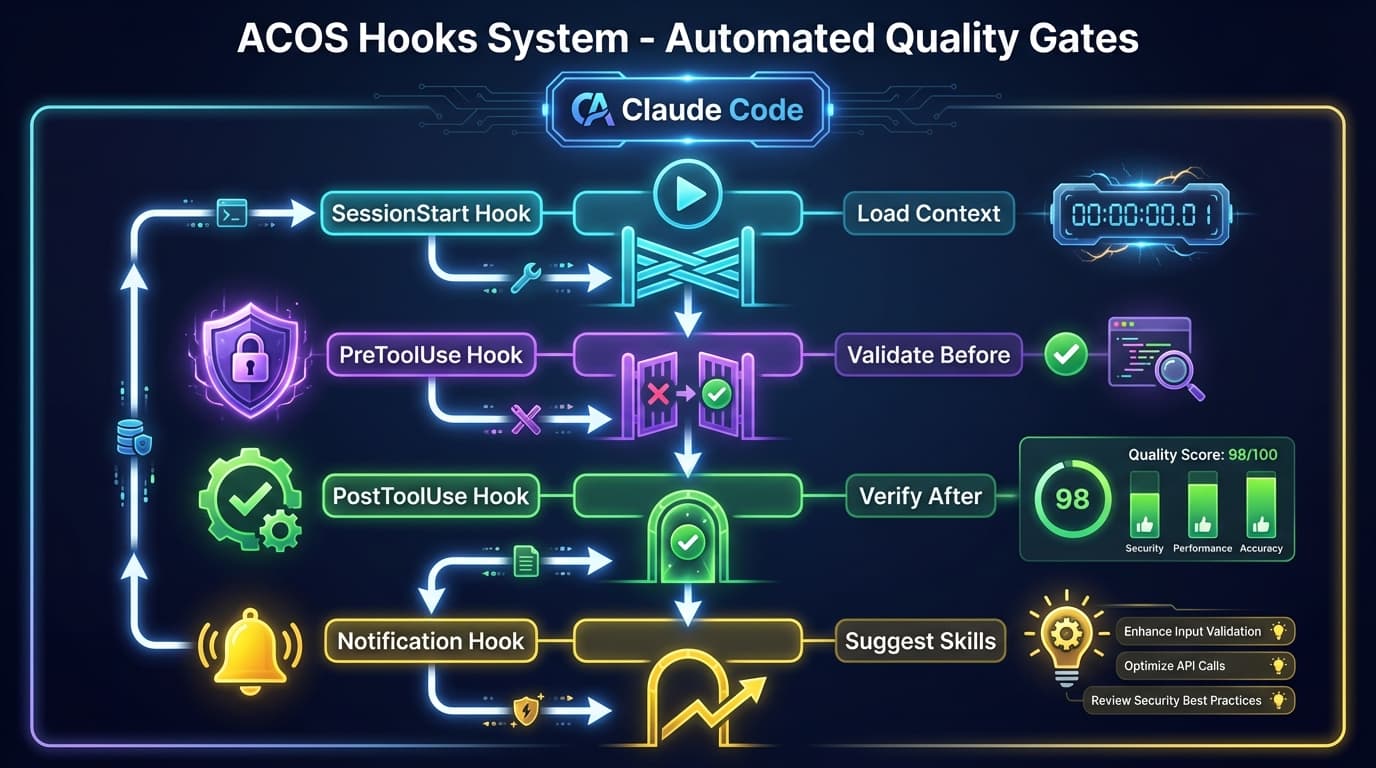
The ACOS Hooks System: Automated Quality Gates
Master ACOS hooks for automated quality enforcement. SessionStart, PreToolUse, PostToolUse, and Notification hooks that catch issues before they ship.
Read article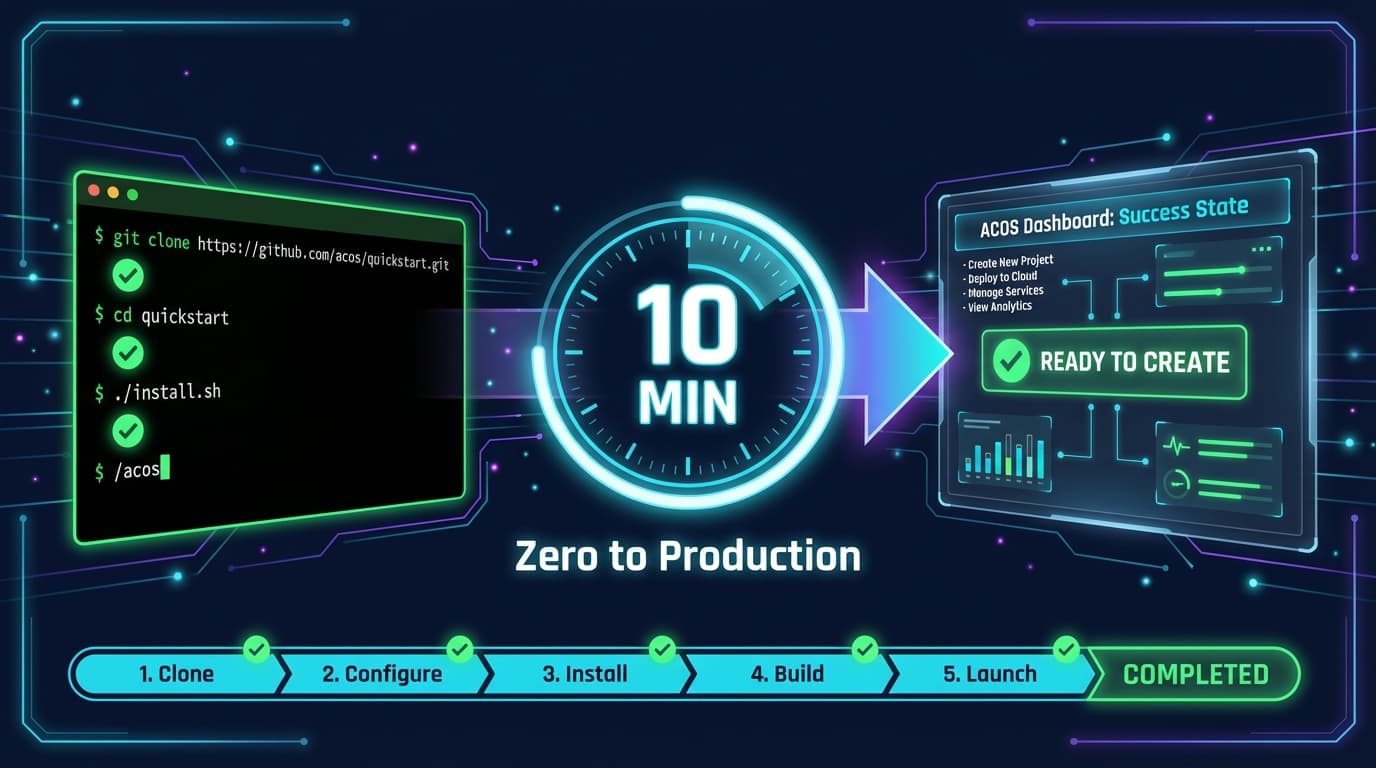
Tutorials6 min
ACOS Quick Start: Zero to Production in 10 Minutes
Get Agentic Creator OS running in 10 minutes. Clone, install, configure, and run your first workflow. The fastest path from zero to AI-powered productivity.
Read article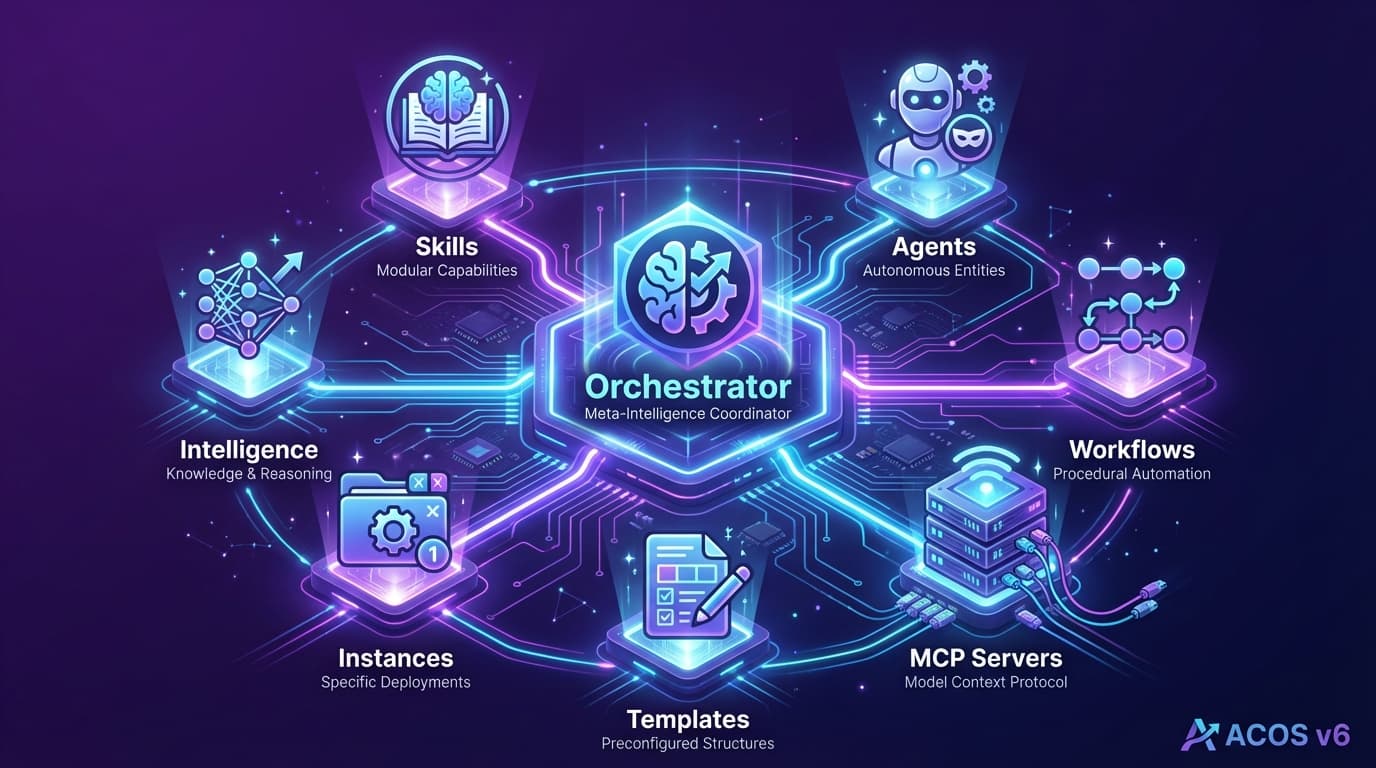
Creator Systems18 min
The Complete Guide to Agentic Creator OS v6: Your AI Operating System
Master the AI operating system that transforms Claude Code into a full creative studio. 25 commands, 80+ skills, swarm intelligence, and auto-activation. The definitive guide.
Read article