AI & SystemsJanuary 26, 20267 min read
Claude Code 2.1: How MCP Tool Search Changed Everything
Claude Code 2.1 introduces MCP Tool Search, cutting token usage by 85% and boosting accuracy from 79.5% to 88.1%. A deep dive into the biggest productivity upgrade since launch.

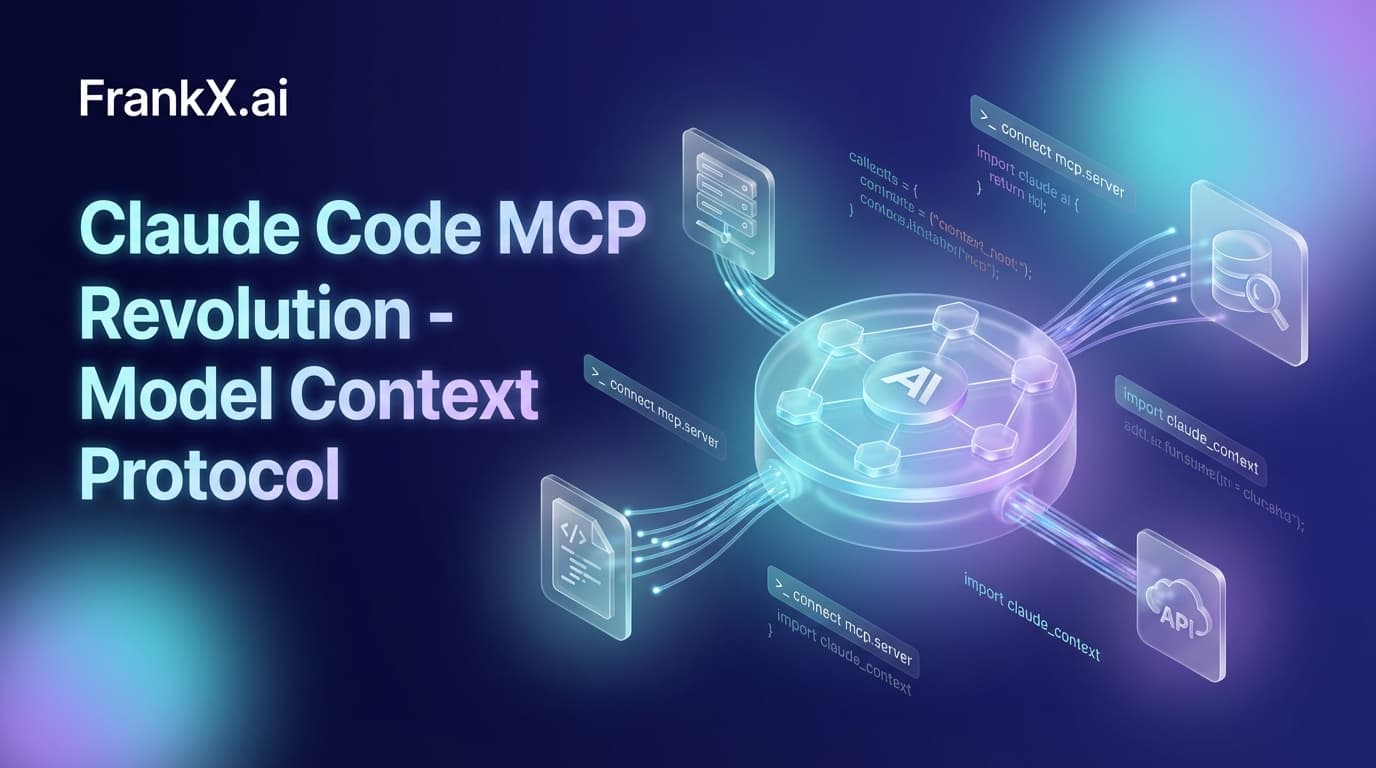
TL;DR: Claude Code 2.1 introduces MCP Tool Search, which automatically defers tool loading when descriptions exceed 10% of context. Result: 85% token reduction, accuracy jumping from 79.5% to 88.1% on Opus 4.5. Combined with the new hooks system and skills hot reload, this is the biggest productivity upgrade since launch.
What Problem Does MCP Tool Search Actually Solve?
If you've connected more than a few MCP servers to Claude Code, you've hit the wall. I had 7 servers running—GitHub, Slack, memory, sequential thinking, a couple custom ones—and my context was nearly exhausted before I typed a single prompt.
The numbers are brutal:
- 5 typical MCP servers (GitHub, Slack, Sentry, Grafana, Splunk) = ~55K tokens consumed
- One user reported 144,802 tokens from MCP tools alone
- MCP_DOCKER alone consumed 125,964 tokens across 135 tools
Thariq Shihipar, who announced the feature, put it plainly: "Users were documenting setups with 7+ servers consuming 67k+ tokens."
That's context pollution at scale. And Claude Code 2.1 fixes it.
How MCP Tool Search Works
Instead of loading every tool definition upfront, Claude Code now implements lazy loading:
- Detection: Claude Code checks if MCP tool descriptions would use more than 10% of context
- Deferral: When triggered, tools are loaded via search instead of preloaded
- Discovery: Claude searches for and loads only the tools it needs, when it needs them
The feature supports two search modes:
| Mode | How It Works | Best For |
|---|---|---|
| Regex | Claude constructs patterns like weather or get_.*_data | Precise matching when you know the tool name |
| BM25 | Natural language queries with semantic matching | Exploratory searches |
The Performance Gains
Anthropic's benchmarks tell the story:
| Metric | Before | After | Improvement |
|---|---|---|---|
| Token usage (50+ tools) | ~77K | ~8.7K | 85% reduction |
| Opus 4 accuracy | 49% | 74% | +25 points |
| Opus 4.5 accuracy | 79.5% | 88.1% | +8.6 points |
This isn't incremental. It's a step change.
What's New in Claude Code 2.1
Version 2.1.0 shipped January 7, 2026. Version 2.1.9 followed with 109 CLI refinements. Across the 2.1.x series, the team shipped 1,096 commits. Here's what matters:
MCP Tool Search (Now Default)
You don't need to opt in. It's enabled automatically for all users. When your MCP tool descriptions exceed the 10% threshold, Claude Code switches to search-based discovery.
If you want to force it on earlier or adjust behavior:
ENABLE_TOOL_SEARCH=true
Hooks System: PreToolUse and PostToolUse
Hooks let you inject custom logic at key points in Claude's workflow:
| Hook | When It Runs | Use Cases |
|---|---|---|
| PreToolUse | Before Claude executes any tool | Validation, blocking dangerous operations, input modification |
| PostToolUse | After Claude completes a tool | Cleanup, formatting, running tests |
| Stop | When Claude finishes responding | Final validation, logging |
| SessionStart | When a session begins | Environment setup |
| UserPromptSubmit | When you submit a prompt | Input preprocessing |
The power move: PreToolUse hooks can modify tool inputs before execution (starting in v2.0.10). Instead of blocking Claude and forcing retries, you intercept and correct.
Example use cases:
- Auto-add
--dry-runflags to dangerous commands - Redact secrets before they hit the terminal
- Enforce commit message formatting
- Auto-install dependencies before builds
Skills Hot Reload
Previously, creating or updating a skill required restarting your session. Now:
- Skills in
~/.claude/skillsor.claude/skillsare immediately available without restart - Nested directories are auto-discovered—if you're editing
packages/frontend/app.tsx, Claude finds skills inpackages/frontend/.claude/skills/ - Hooks in skill frontmatter: Define PreToolUse, PostToolUse, and Stop hooks directly in your skill files
This enables real monorepo workflows where each package can have its own specialized skills.
Additional Features Worth Knowing
- Shift+Enter for newlines: No more fighting with the terminal
- Wildcard tool permissions:
Bash(*-h*)grants help flag access across all commands /teleportto Claude.ai: Move your session to the web interface mid-conversation- Multilingual output: Configure Claude to respond in Japanese, Spanish, etc.
- Background tasks:
Ctrl+Bto background long-running operations
How Should AI Architects Think About This?
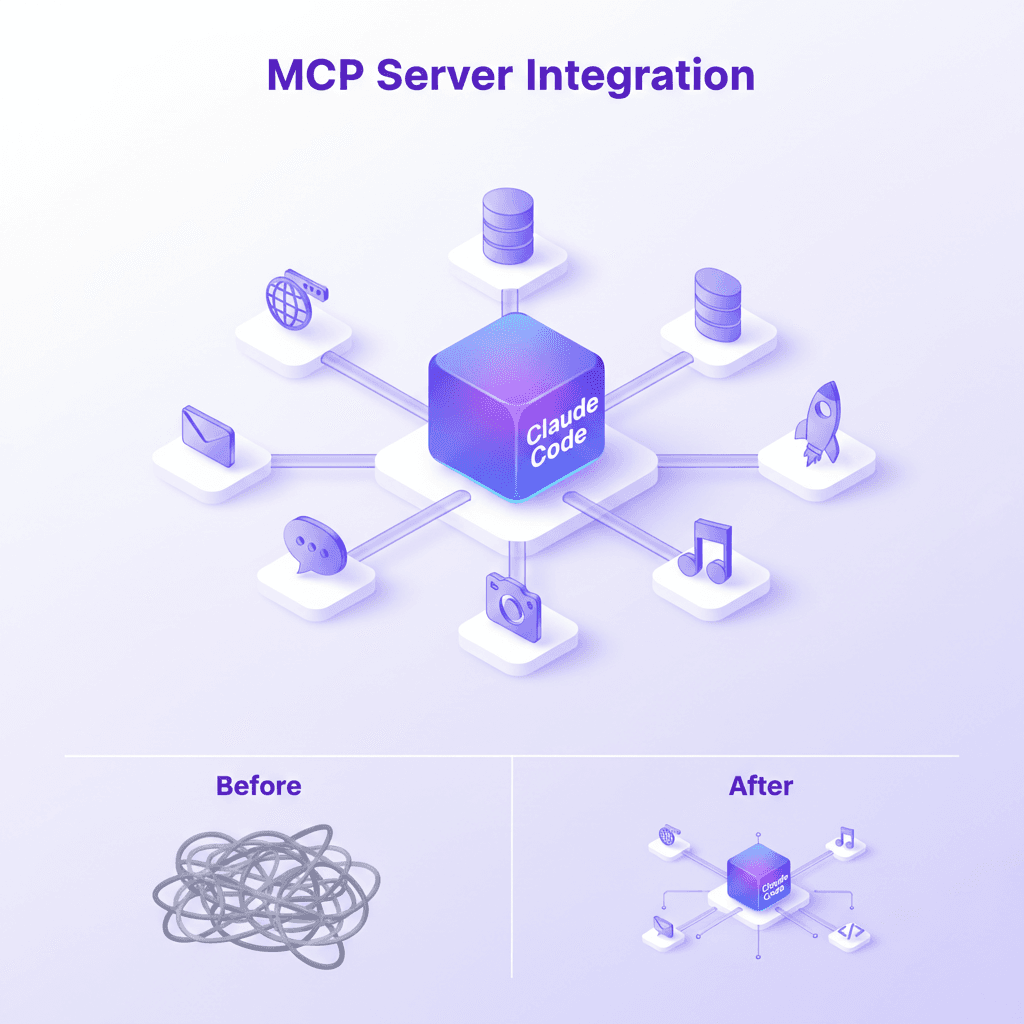
MCP Tool Search isn't just a performance optimization. It changes how you can architect AI systems.
Before: Careful Tool Curation
You had to choose which MCP servers to connect, knowing each one consumed context. Complex setups meant tradeoffs.
After: Connect Everything
With lazy loading, you can connect every server you might need. Claude discovers what's relevant. The constraint shifts from "what can I afford to load" to "what might be useful."
For enterprise deployments, this means:
- Richer tool libraries without context penalties
- Domain-specific MCP servers can coexist without conflict
- Agentic workflows with dozens of tools become practical
The Hooks System Changes Security Posture
PreToolUse hooks with input modification enable:
- Transparent sandboxing: Dangerous commands get dry-run flags automatically
- Secret protection: Environment variables redacted before execution
- Compliance enforcement: All file writes go through review
This is how you build guardrails for AI coding assistants without breaking the developer experience.
What About Accuracy Concerns?
Fair question. Third-party testing shows mixed results at extreme scale:
| Scenario | Tool Search Accuracy |
|---|---|
| Anthropic internal (typical use) | 74-88% |
| 4,027 tools (Arcade testing) | 56-64% |
| Thousands of tools (Stacklok comparison) | ~30-34% |
The takeaway: MCP Tool Search works excellently for typical setups (5-50 tools). At thousands of tools, you'll want dedicated optimization like Stacklok's MCP Optimizer.
For most developers and architects, the default behavior is a massive win.
Getting Started
Verify Your Version
claude --version
# Should be 2.1.x or higher
Upgrade If Needed
npm install -g @anthropic-ai/claude-code@latest
# or
claude update
Check MCP Status
claude mcp list
Configure Hooks (Optional)
Create ~/.claude/settings.json:
{
  "hooks": {
    "PreToolUse": {
      "Bash": {
        "command": "your-validation-script.sh"
      }
    },
    "PostToolUse": {
      "Write": {
        "command": "prettier --write $FILE_PATH"
      }
    }
  }
}
Frequently Asked Questions
Is MCP Tool Search enabled by default?
Yes. As of January 2026, it's on for all users automatically. It triggers when tool descriptions exceed 10% of context.
Does Tool Search work with all MCP servers?
Yes. It works with any MCP server. The search happens client-side in Claude Code.
Can I disable Tool Search?
You can, but why would you? If you have specific needs, check Claude Code settings.
What's the difference between Regex and BM25 search modes?
Regex is precise pattern matching (get_.*_data). BM25 is semantic search with natural language queries. Claude picks the appropriate mode automatically.
Do hooks slow down Claude Code?
The default hook timeout changed from 60 seconds to 10 minutes in 2.1.x, but well-written hooks add negligible overhead. Keep them fast.
Does skills hot reload work in all environments?
Yes. Works on macOS, Linux, and Windows. Skills are discovered from both global (~/.claude/skills) and project-local (.claude/skills) directories.
Key Takeaways
- MCP Tool Search cuts token usage by 85% while improving accuracy
- Hooks enable sophisticated guardrails with PreToolUse input modification
- Skills hot reload eliminates restart friction for rapid development
- Connect more MCP servers freely—lazy loading handles the complexity
- This is the biggest Claude Code upgrade since launch (1,096 commits)
The constraint on MCP tool usage just disappeared. Build accordingly.
Have questions about implementing MCP Tool Search or hooks in your workflow? Check the AI Architecture Hub for blueprints and working examples.
Sources:
- Anthropic Claude Code Releases
- VentureBeat: Claude Code MCP Tool Search
- VentureBeat: Claude Code 2.1.0
- Claude Code Hooks Documentation
- Claude Code Skills Documentation
Related Articles
- Build Your Own Jarvis with Claude Code — The complete architecture guide
- What is Agentic AI? — Understanding the shift from tools to collaborators
- MCP Server Integration Guide — Deep dive into Model Context Protocol
Get Started
Build your first AI system
Step-by-step guide to setting up ACOS, creating your first agent, and shipping real products with AI.
Start buildingTemplates & Blueprints
Production-ready architecture
Download AI architecture templates, multi-agent blueprints, and prompt engineering patterns.
Browse templatesInner Circle
Join the builder community
Connect with creators and architects shipping AI products. Weekly office hours, shared resources, direct access.
Join the circleRelated Research

Read on FrankX.AI — AI Architecture, Music & Creator Intelligence
Stay in the intelligence loop
Weekly field notes on AI systems, production patterns, and builder strategy.
Continue Reading
Intelligence Dispatches11 min read
MCP Server Guide 2026: ClawHub, Smithery, and What to Install
MCP servers, registries, and the protocol connecting AI assistants to databases, APIs, browsers, and developer tools. Includes my 21-server production stack.
Read article
Creator Systems6 min read
How I Configured Claude Code with ACOS and 21 MCP Servers
Step-by-step guide to building a production-grade AI coding environment with ACOS, Claude Code, MCP servers, and custom agent workflows. From zero to shipping.
Read article
Workshops12 min
Build Your First MCP Server: The Model Context Protocol Workshop
Learn to build production-grade MCP servers that connect AI to your data. Master resources, tools, and prompts with the open standard revolutionizing AI integration.
Read article